Install the official IPVanish Windows app, sign in and choose a server location. Review the automatic connection and kill-switch settings so the app behaves as you expect when Windows starts or the connection changes.
Both IPVanish apps let you sign in and choose a server. The Android setup page lists its operating-system requirements, while the Windows instructions explain installation and optional connection controls. Choose the instructions for your device below.
Download the official IPVanish Android app from Google Play, sign in and select a server location before connecting. Check the supported Android version first, especially when using an older device.
Understand what a VPN changes, where it helps and why it cannot guarantee streaming access. Check device support and service restrictions before choosing a plan.
Use Netflix’s connection test to check which country your network reports. Then check the title and plan you intend to use: Netflix publishes specific catalogue and plan rules for VPN connections.
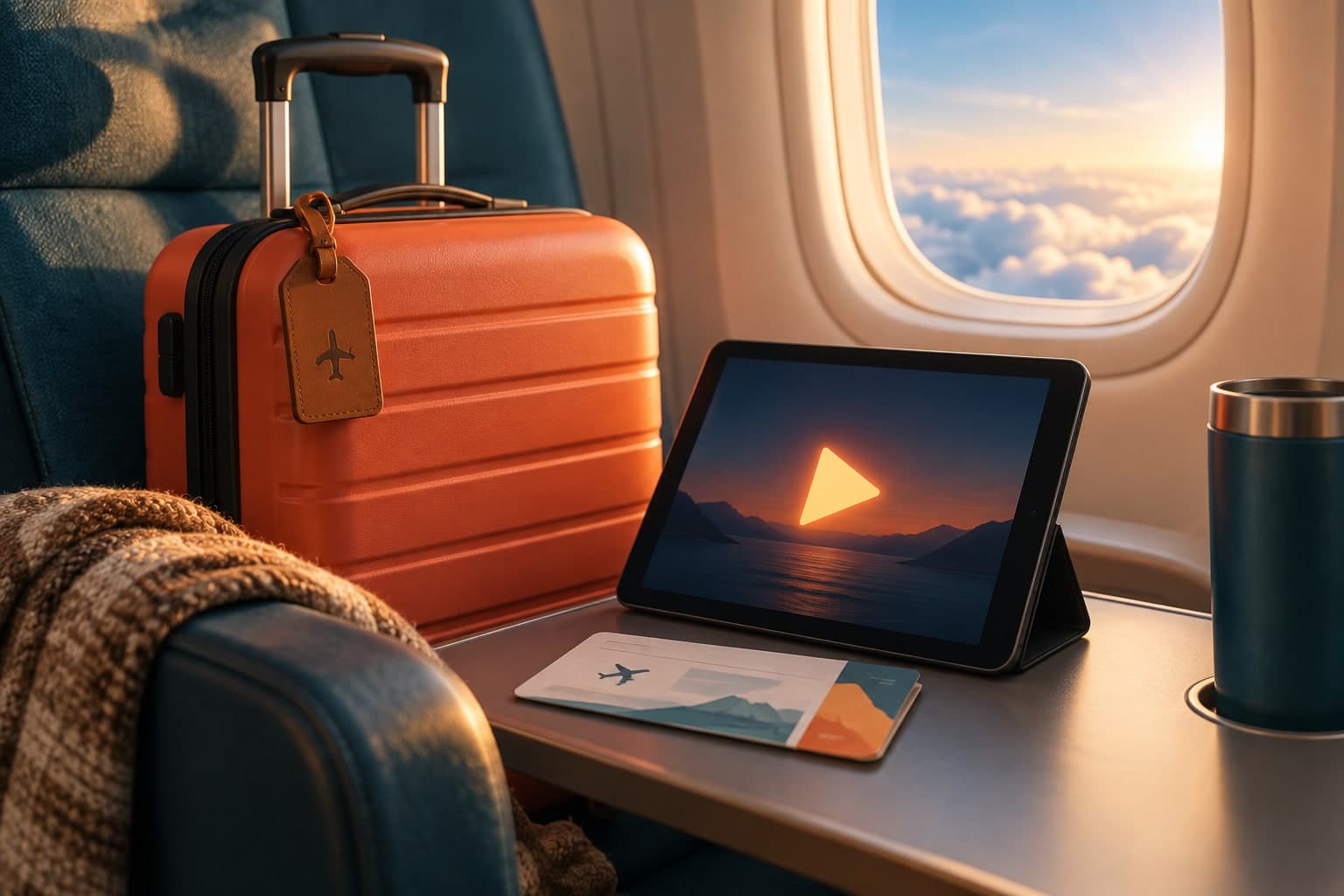
Netflix supports travel viewing on mobile devices, computers and another television. Before leaving, check its home-connection instructions; at your destination, check which saved titles and downloads are available.
 VPN & travel