What you need to know
Netflix supports travel viewing on mobile devices, computers and another television. Before leaving, check its home-connection instructions; at your destination, check which saved titles and downloads are available.
Change your IP location. Set up IPVanish.
Bring IPVanish into your Netflix viewing setup: choose your server country, connect and then open Netflix on your device. IPVanish changes your public IP location and encrypts the connection to its servers.
Choose a country in IPVanish, connect, then open your streaming app. The service sees the VPN server’s IP location instead of your usual one. That can help you access location-dependent services where your subscription and the provider’s rules allow it, while encrypting traffic between your device and the VPN server.
Affiliate disclosure: we may earn a commission if you buy through this link, at no extra cost to you. Check the current plan price and renewal terms before purchasing.How to set up IPVanish for streaming
- Check your viewing option. Choose the broadcaster and plan for your event or title from the viewing options above.
- Install and sign in. Choose your IPVanish plan, then install the IPVanish app from your device’s app store and sign in. Our Android TV setup guide explains the steps for compatible TV boxes.
- Choose a location and connect. Select a server in the country you want to connect through. Wait until IPVanish confirms the connection.
- Open your streaming app. Sign in to the broadcaster separately and open the event or title. Your VPN subscription does not include a TV subscription, sports pass or pay-per-view purchase.
What Netflix allows while you travel
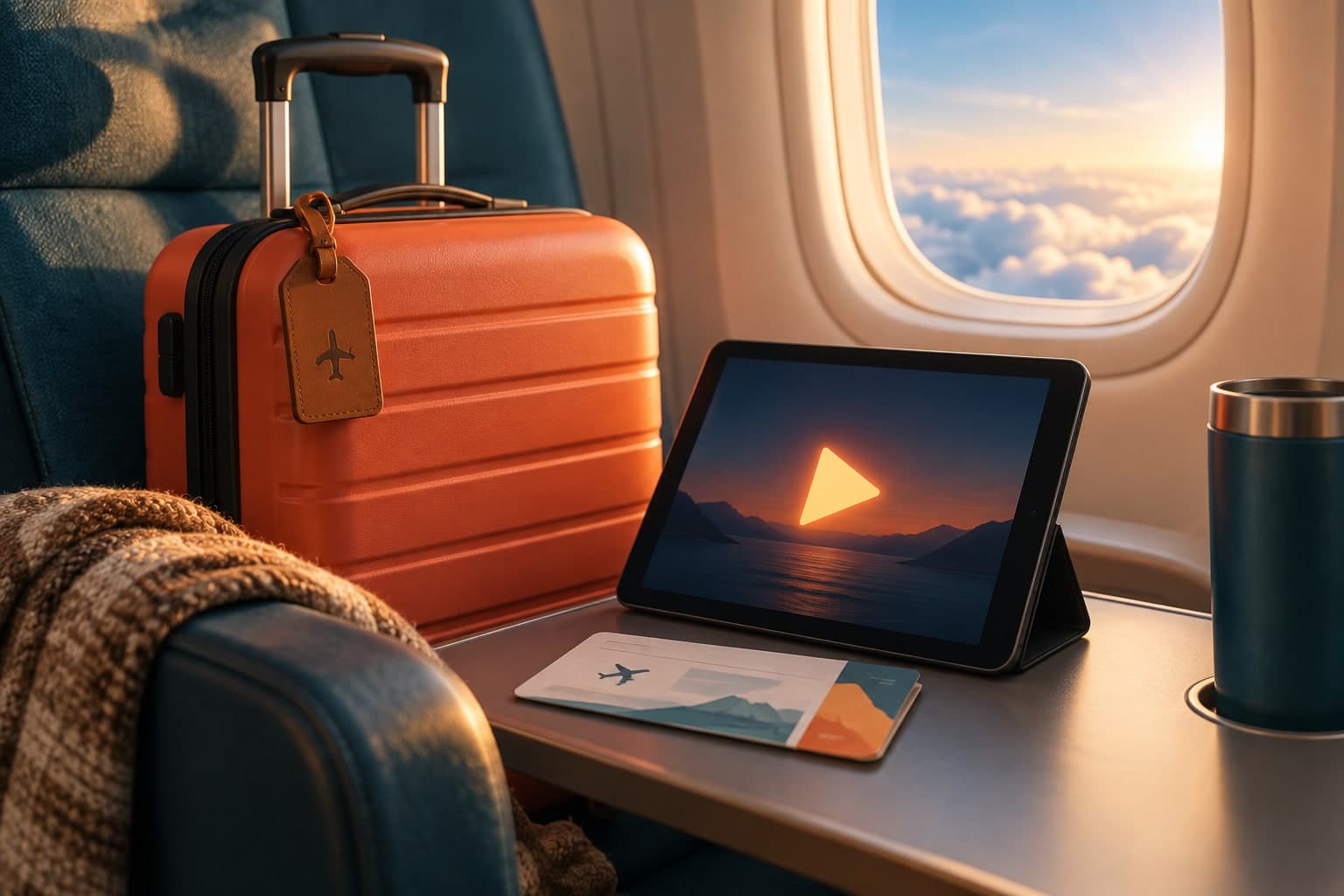
Netflix says it is easy to use when you are on the go or travelling.
You can use Netflix as usual on mobile devices and computers, or sign in on a new TV such as one in a hotel or holiday rental.
When you watch outside the country you signed up in, the selection of TV shows and movies, downloads, audio and subtitle options, and maturity ratings can differ by country.
- Open Netflix on your phone, tablet, or computer while travelling.
- If you use a hotel or rental TV, be ready for a household check or temporary access prompt.
- Expect downloads and maturity ratings to change when you cross borders.
If Netflix says the device is not in your household
Netflix says a TV or device may be blocked if it cannot be associated with your Netflix Household.
For TVs or TV streaming devices, Netflix may show options such as Update Netflix Household, Confirm Device, or I’m Traveling.
For mobile phones or computers, Netflix may ask you to confirm the device while it is connected to the same Wi-Fi as a TV or TV streaming device in the household.
- Use the on-screen option that matches the device type.
- If you are on a phone or computer, check that it is on the same Wi-Fi as the household TV when Netflix asks for confirmation.
- If you do not have access to a household TV, review recently active devices and sign out of unfamiliar ones before trying again.
Using temporary access while away from home
Netflix says you can request a temporary access code when you are travelling or away from home.
On TV or TV streaming devices, choose I’m Traveling and use a non-Kids profile.
On mobile phones or computers, choose Watch Temporarily and also use a non-Kids profile. Codes expire after 15 minutes.
- Select the travel or temporary-watch option shown on screen.
- Ask the account owner to get the email or text with the code, then enter it before it expires.
- If the code has expired or failed, request a new one and try again.
Second homes and frequent trips
If you have a second home or travel frequently to the same location, Netflix says to connect from your main place once a month and stream a TV show or movie for a few seconds.
Then take the same steps when you arrive at the second location to continue watching Netflix without interruption.
This helps establish a connection from both locations over time.
- At your main place, open Netflix on a mobile device or computer once a month and stream briefly.
- When you arrive at the second location, repeat the same process.
- If you still get blocked, use the household update or travel-code options on screen.
Things to check before you travel
Netflix says gift cards and other cash payment methods vary by country and may not be available or eligible for use in your travel location.
Pricing, billing currency, and available payment methods also vary by country.
If you have moved rather than travelled, Netflix says to follow its moving guidance instead of the travel process.
- Check whether your payment method will still work in the country you are visiting.
- Keep a backup payment method ready if your usual option may not be eligible.
- If you have moved, use the moving process rather than the travel process.
Check the catalogue at your destination
Netflix says title choices, audio, subtitles, maturity ratings and downloaded-title availability can differ while travelling. Check the title you want to watch at your destination.
- Open your saved titles and downloads after arriving to check which remain available.
- Review the maturity controls if the destination uses a different ratings system.
Sources & verification
We use official sources and automated checks to prepare this guide. Availability and prices can change.
- help.netflix.com ↗Retrieved 23/09/2026
- help.netflix.com ↗Retrieved 23/09/2026
- help.netflix.com ↗Retrieved 23/09/2026
- help.netflix.com ↗Retrieved 23/09/2026
- help.netflix.com ↗Retrieved 23/09/2026